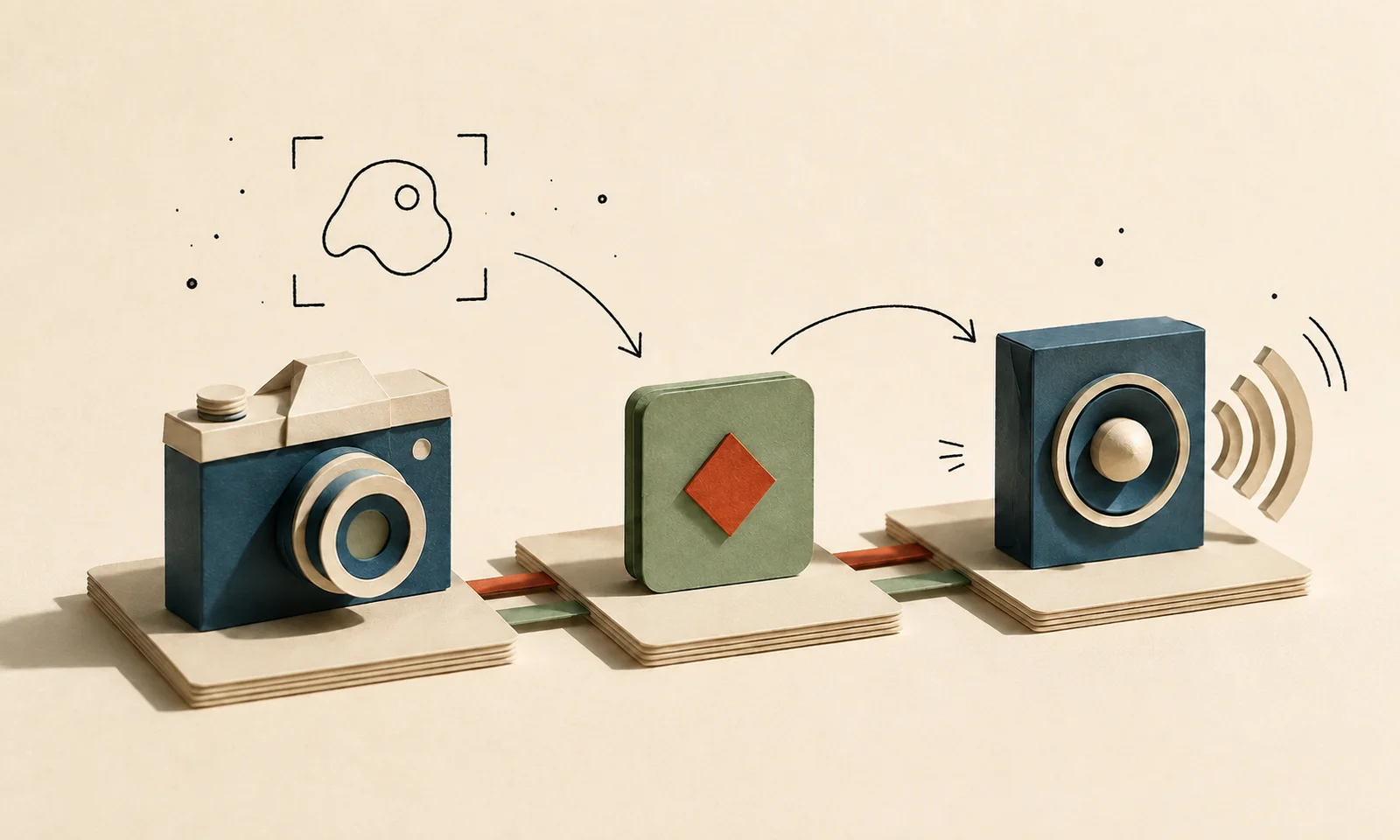
Some homelab projects start as serious infrastructure work. This one started with a dog on a dining room table.
The goal was simple: detect a specific household event, send it through Home Assistant, and play a short audio cue through an existing media device. I did not want another cloud camera workflow, another app notification stream, or duplicate video recording in three different places. I wanted one local detection pipeline that could do one silly-but-useful thing reliably.
That ended up being a better learning project than I expected. The object detection was not the hard part. The hard part was making the camera stream stable, getting events into Home Assistant cleanly, avoiding alert spam, and keeping the automation useful instead of annoying.
The starting point
The lab already had most of the pieces:
- A Proxmox mini-PC running the main homelab workloads.
- Home Assistant OS running as a VM.
- Synology Surveillance Station handling regular camera recording.
- A media LXC with GPU access for Jellyfin and related services.
- Frigate running alongside the media stack.
- MQTT available through Home Assistant.
- An indoor IP camera watching the area I cared about.
The camera was already useful for recording, but the built-in motion and object detection were not specific enough for automation. Motion detection can tell you that something changed. It cannot reliably answer, “Did the dog just get onto the table?”
First attempt
The first version was the basic pipeline:
Camera -> Frigate -> Object detection event -> Home Assistant automationAt first, the camera feed showed up normally in Frigate, which made it feel like the setup was mostly done. Then I realized there were no useful detections or bounding boxes.
That was the first small lesson: video display and object detection are separate problems. A camera stream can be perfectly visible while the detector is not actually configured correctly.
Once the detector was configured, Frigate started producing usable person and dog detections. From there, the project became less about “can the model see the dog?” and more about “can I turn that event into a reliable household workflow?”
Making the table a zone
Frigate lets you define zones inside the camera frame. I created a simple polygon around the table area so the automation did not fire every time the dog walked through the room.
The useful trigger became:
Object is dog
AND object enters table zone
AND object was not already in the zone
That last condition mattered. Without it, the automation could trigger repeatedly while the same detection stayed active. Comparing the previous and current zone state let the automation react to the crossing event, not just the ongoing presence of the object.
I also added a short cooldown. A smart home that repeats the same warning every few seconds is not smart. It is just a machine with bad manners.
Adding home awareness
The next version only ran when nobody was home.
That changed the character of the automation. If someone is present, they can handle the situation directly. If nobody is home, the house can do the small intervention itself.
This is one of the places where smart home logic becomes more than a neat demo. Presence awareness keeps automations from becoming weird background noise. It also keeps the system closer to the actual problem: help only when help is useful.
Playing the audio cue
The output side was intentionally simple:
Dog enters table zone
  -> Home Assistant receives Frigate event
  -> Media device wakes
  -> Volume is set
  -> Short audio warning plays
The audio file lives inside Home Assistant and plays through an existing media device integration. The result is a small local feedback loop: camera event in, household action out.
This was the moment the project stopped feeling like a lab demo. It was a tiny automation, but it connected computer vision, local services, presence logic, and media playback into something that solved a real household problem.
The stream problem
The most interesting failure had nothing to do with AI.
During testing, the camera would sometimes disconnect or behave strangely. The issue turned out to be RTSP session pressure. The same camera was being pulled by multiple consumers:
- Synology for recording.
- Frigate for detection.
- Home Assistant for previews.
That was too much for the camera to handle comfortably.
The fix was to make Frigate’s go2rtc restreaming the center of the camera pipeline:
Camera
  -> go2rtc restream
    -> Frigate detection
    -> Synology recording
    -> Home Assistant preview
Instead of several systems competing for direct camera sessions, one service connects to the camera and redistributes the stream internally. That made the setup much more stable.
Detection quality
The other important improvement was stream quality.
The low-resolution substream was easier on resources, but it was too compressed for the kind of detection I wanted. Frigate worked better when it ingested the higher-quality stream and then scaled frames internally for detection.
Because the media LXC already had AMD iGPU access for Jellyfin hardware transcoding, Frigate could also use VAAPI for video decode. That kept CPU usage reasonable without needing full PCI passthrough or a dedicated accelerator.
For this kind of setup, the lesson was pretty clear: do not starve the detector with a bad image and then blame the model.
What I learned
This project looked like an AI camera project from the outside, but most of the real work was systems glue:
- RTSP session management.
- Hardware video decode.
- MQTT event flow.
- Zone-based trigger logic.
- Presence-aware automation.
- Media playback through Home Assistant.
- Avoiding duplicate recording and duplicate alerts.
The object detection mattered, but the architecture around it mattered more.
What I would improve next
The current version is useful, but there are a few obvious next steps:
- Test an OpenVINO, Coral, or other accelerator-backed detector.
- Add cleaner snapshots or event cards for review.
- Improve how camera events are marked in the recording system.
- Make the automation easier to pause temporarily.
- Document the workflow as a reusable pattern for other small automations.
The best part is that the pattern is reusable. A local detection event can trigger a small, reversible action when the scope is narrow and the system has enough context to avoid being annoying.
Also, apparently, civilization sometimes needs a speaker system.